
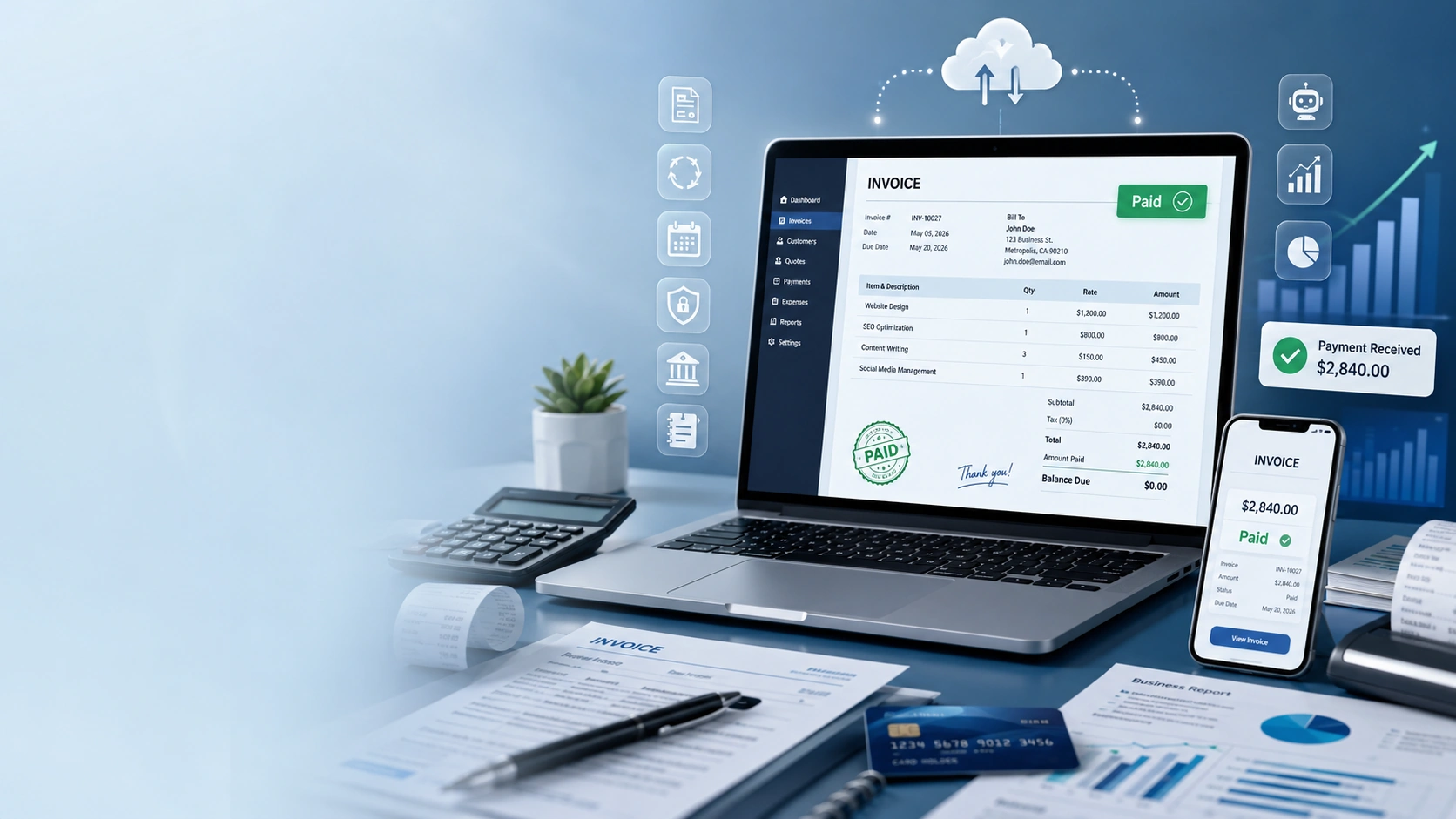
Xero Invoice Templates 2026: How to Create Professional Invoices That Get Paid Faster
Introduction
Getting paid on time is important for every business. Whether you’re a freelancer, consultant, small business owner, or growing company, sending clear and professional invoices can improve your cash flow and build trust with your customers.
That’s where Xero Invoice Templates 2026 come in. Xero makes it easy to create branded invoices, automate recurring billing, track payments, and send reminders—all from one cloud accounting platform.
In this guide, you’ll learn everything you need to know about Xero invoice templates, including how to create them, customize them, automate your invoicing process, and avoid common mistakes. By the end, you’ll know how to create professional invoices that help you get paid faster.
What Are Xero Invoice Templates?
A Xero invoice template is a pre-designed invoice layout that you can customize with your business information, logo, colors, payment terms, and contact details. Instead of creating every invoice from scratch, you can use a template to save time and maintain a consistent, professional look.
With Xero, every invoice you send can include:
- Your business logo
- Company name and address
- Customer information
- Invoice number
- Issue date
- Due date
- Item descriptions
- Quantity and pricing
- Taxes
- Payment instructions
- Notes for customers
Using invoice templates helps businesses appear more professional while reducing manual work.
Why Professional Invoice Templates Matter
Invoices do more than request payment—they represent your business.
A clean and organized invoice can:
- Build customer trust
- Improve your brand image
- Reduce payment delays
- Minimize billing errors
- Make bookkeeping easier
- Help customers understand charges
- Improve cash flow
Customers are more likely to pay invoices that are clear, accurate, and easy to read.
Key Features of Xero Invoice Templates
Xero offers several features that simplify invoicing and make managing payments easier.
1. Custom Branding
You can personalize your invoice with:
- Business logo
- Brand colors
- Company information
- Custom footer
- Payment instructions
This creates a consistent experience for your customers.
2. Professional Layouts
Xero provides clean invoice layouts that are easy to read on both desktop and mobile devices.
Important information is clearly organized, helping customers quickly understand what they owe and when payment is due.
3. Recurring Invoices
If you charge customers on a regular schedule, recurring invoices can save hours of manual work.
You can automatically send invoices:
- Weekly
- Monthly
- Quarterly
- Annually
This is especially useful for subscription businesses, agencies, consultants, and service providers.
4. Online Payments
Xero supports online payment options through compatible payment providers.
Customers can often pay directly from the invoice, making the payment process faster and more convenient.
5. Automatic Payment Reminders
Following up on unpaid invoices can take time.
Xero allows you to automate payment reminders, helping you collect payments without manually contacting each customer.
6. Real-Time Invoice Tracking
Once an invoice is sent, you can see its status.
For example:
- Draft
- Sent
- Viewed
- Paid
- Overdue
This helps you know when to follow up and monitor outstanding payments.
Benefits of Using Xero Invoice Templates
Using invoice templates offers several advantages beyond saving time.
Save Time
Instead of creating invoices from the beginning every time, you can reuse the same template for multiple customers.
Improve Accuracy
Templates reduce typing mistakes by keeping your standard information consistent.
Strengthen Your Brand
Adding your logo and company colors creates a professional appearance that customers recognize.
Faster Payments
Invoices with clear payment terms, due dates, and online payment options often get paid sooner.
Better Customer Experience
Professional invoices are easier for customers to understand, reducing questions and confusion.
How to Create a Xero Invoice Template
Creating a professional invoice template in Xero is simple.
Step 1: Sign In
Log in to your Xero account and open your business dashboard.
Step 2: Open Invoice Settings
Navigate to the invoicing section and locate your branding or invoice template settings.
Step 3: Add Business Details
Include:
- Business name
- Address
- Phone number
- Website
- Tax information
Double-check everything for accuracy.
Step 4: Upload Your Logo
A company logo gives your invoice a polished, professional appearance and reinforces your brand.
Step 5: Customize the Design
Choose fonts, spacing, colors, and layout options that match your business identity while keeping the invoice clean and easy to read.
Step 6: Set Payment Terms
Clearly define:
- Due date
- Accepted payment methods
- Payment instructions
- Late payment policy (if applicable)
Clear payment terms reduce misunderstandings.
How to Customize Your Invoice Template
Every business is different, so your invoice should reflect your brand.
You can customize:
Business Information
Keep your company details current and accurate.
Customer Details
Include the customer’s name, company, address, and contact information.
Item Descriptions
Use clear descriptions so customers understand exactly what they are paying for.
Payment Notes
Include helpful messages such as:
- Thank you for your business.
- Please pay within 30 days.
- Contact us if you have any questions.
Simple notes can improve communication and encourage timely payments.
Best Practices for Professional Invoices
To create invoices that are easy to understand and more likely to be paid on time, follow these best practices:
- Use a professional logo.
- Keep the layout clean and uncluttered.
- Include accurate customer details.
- Add clear payment instructions.
- Display the due date prominently.
- Number invoices consistently.
- Check calculations before sending.
- Use polite, professional language.
- Send invoices promptly after completing work.
- Enable automatic reminders for overdue payments.
These small improvements can make a big difference in your invoicing process and help maintain strong relationships with your customers.
Automate Your Invoicing Process
One of the biggest advantages of Xero is automation. Instead of creating and sending every invoice manually, you can let Xero handle many repetitive tasks.
Automation helps you:
- Save time
- Reduce human errors
- Improve cash flow
- Send invoices on schedule
- Track payments automatically
If your business sends similar invoices every month, automation can significantly reduce your workload.
Using Recurring Invoices
Recurring invoices are perfect for businesses that bill customers regularly.
Examples include:
- Monthly subscriptions
- Website maintenance
- Marketing services
- Bookkeeping services
- Consulting
- Membership plans
- Software subscriptions
- Rental businesses
Instead of creating the same invoice every month, Xero automatically generates and sends it based on your chosen schedule.
This ensures customers receive invoices on time and reduces the chance of missed payments.
How to Get Paid Faster with Xero
Every business wants faster payments. Xero includes several features that can help improve your payment collection process.
Send Invoices Immediately
The sooner you send an invoice, the sooner your customer can pay it. Avoid waiting several days after completing a project.
Offer Online Payment Options
Customers are more likely to pay quickly when they can pay directly from the invoice using supported online payment methods.
Use Automatic Payment Reminders
Friendly reminder emails can encourage customers to pay overdue invoices without creating extra work for your team.
Keep Payment Terms Simple
Clearly state:
- Invoice due date
- Accepted payment methods
- Payment instructions
- Late payment policy (if applicable)
Simple payment terms reduce confusion and help customers pay on time.
Common Mistakes to Avoid
Even with professional invoice templates, mistakes can delay payments.
Avoid these common problems:
Missing Customer Information
Always double-check the customer’s name, address, and email before sending an invoice.
Incorrect Pricing
Review item prices, quantities, taxes, and discounts carefully.
Forgetting Payment Instructions
If customers don’t know how to pay, they may delay payment.
Sending Invoices Late
Late invoices often lead to late payments. Make invoicing part of your regular business workflow.
Ignoring Overdue Invoices
Follow up politely on unpaid invoices. Automatic reminders can make this process much easier.
Xero Invoice Templates vs Manual Invoicing
| Feature | Xero Invoice Templates | Manual Invoices |
|---|---|---|
| Professional Design | ✔ | Limited |
| Automatic Invoice Numbers | ✔ | Manual |
| Recurring Invoices | ✔ | ✘ |
| Payment Reminders | ✔ | ✘ |
| Online Payments | ✔ | Limited |
| Real-Time Tracking | ✔ | ✘ |
| Cloud Access | ✔ | ✘ |
| Time Required | Low | High |
| Error Risk | Low | Higher |
For most businesses, using Xero invoice templates is faster, more accurate, and more professional than creating invoices manually.
Tips for Better Invoice Management
Creating invoices is only part of the process. Managing them effectively is equally important.
Here are a few practical tips:
- Send invoices as soon as work is completed.
- Review unpaid invoices every week.
- Keep customer contact information updated.
- Organize invoices by customer or project.
- Store invoices securely in the cloud.
- Monitor outstanding balances regularly.
- Reconcile payments with your bank account.
- Review monthly invoice reports to identify payment trends.
These habits help improve cash flow and keep your bookkeeping organized.
Who Should Use Xero Invoice Templates?
Xero invoice templates are suitable for many types of businesses.
They work especially well for:
- Small businesses
- Freelancers
- Consultants
- Agencies
- Ecommerce businesses
- Contractors
- Professional services
- Startups
- Non-profit organizations
- Growing companies
Whether you send a few invoices each month or hundreds every week, Xero can simplify the invoicing process.
Frequently Asked Questions
Are Xero invoice templates free?
Invoice templates are included with Xero, although available features depend on your subscription plan.
Can I add my company logo?
Yes. You can upload your business logo and customize your invoice to match your brand.
Can I create recurring invoices?
Yes. Xero allows you to create recurring invoices for customers who are billed on a regular schedule.
Can customers pay online?
Yes. Xero supports online payments through compatible payment providers, making it easier for customers to pay directly from their invoices.
Can I customize invoice templates?
Yes. You can customize colors, branding, payment terms, business information, and invoice layouts to suit your company.
Does Xero work for freelancers?
Absolutely. Freelancers can use Xero to create professional invoices, track expenses, monitor payments, and manage their business finances.
Are Xero invoices secure?
Yes. Xero stores financial information securely in the cloud and includes security features such as encryption and two-factor authentication to help protect your account.
Final Verdict
Xero Invoice Templates make professional invoicing simple, fast, and efficient. Instead of spending valuable time creating invoices manually, you can use customizable templates, automate recurring billing, track payments in real time, and send automatic reminders.
These features help businesses improve cash flow, reduce administrative work, and provide a better experience for customers.
Whether you’re a freelancer sending a handful of invoices each month or a growing business managing hundreds of clients, Xero offers the flexibility and automation needed to simplify your invoicing process.
Conclusion
If you’re looking for an easy way to create professional invoices and streamline your billing workflow, Xero Invoice Templates 2026 are an excellent solution.
With customizable designs, recurring invoices, online payment options, real-time tracking, and automation tools, Xero helps businesses spend less time on paperwork and more time serving customers.
As your business grows, these features become even more valuable by reducing manual work, improving accuracy, and helping you get paid faster.
If you’re already using Xero, take the time to customize your invoice template and enable automation features. Small improvements today can lead to faster payments, stronger customer relationships, and healthier cash flow throughout the year.