Xero Reviews 2026: Honest Review, Features, Pricing, Pros & Cons, and Is It Worth It?
Introduction
If you’re looking for reliable accounting software in 2026, you’ve probably come across Xero. It is one of the world’s most popular cloud accounting platforms and is trusted by millions of small businesses, freelancers, accountants, and bookkeepers. But is it really worth your money?
In this Xero Reviews 2026 guide, you’ll learn everything you need to know before choosing Xero. We’ll cover its features, pricing, ease of use, automation tools, AI capabilities, mobile app, customer support, security, pros and cons, and how it compares with other accounting software.
Whether you own a small business, manage an online store, work as a freelancer, or run a growing company, this review will help you decide if Xero is the right accounting solution for your needs.
What Is Xero?
Xero is a cloud accounting software platform that helps businesses manage their finances online. Instead of installing software on one computer, you can access your accounts from anywhere using a web browser or the Xero accounting app.
The platform allows you to:
- Create professional invoices
- Track income and expenses
- Reconcile bank transactions
- Manage bills
- Generate financial reports
- Process payroll in supported regions
- Track cash flow
- Connect hundreds of business apps
- Automate everyday accounting tasks
Because everything is stored securely in the cloud, business owners and accountants can work together in real time.
Quick Verdict
| Category | Rating |
|---|---|
| Ease of Use | ⭐⭐⭐⭐⭐ |
| Features | ⭐⭐⭐⭐⭐ |
| Automation | ⭐⭐⭐⭐⭐ |
| Reporting | ⭐⭐⭐⭐⭐ |
| Mobile App | ⭐⭐⭐⭐☆ |
| Customer Support | ⭐⭐⭐⭐☆ |
| Value for Money | ⭐⭐⭐⭐☆ |
| Overall Rating | 4.8/5 |
Best For
- Small businesses
- Startups
- Freelancers
- Consultants
- Ecommerce stores
- Growing companies
- Accountants
- Bookkeepers
Why Is Xero So Popular in 2026?
Cloud accounting has become the standard for modern businesses, and Xero continues to lead the market by making bookkeeping faster and easier.
Some of the biggest reasons businesses choose Xero include:
- Simple dashboard
- Easy bank reconciliation
- Smart invoicing
- Automatic expense tracking
- Powerful financial reports
- AI-powered accounting features
- Secure cloud storage
- Multi-user collaboration
- Large integration marketplace
- Mobile access from anywhere
Instead of spending hours on manual bookkeeping, many businesses automate routine tasks and focus on growing their company.
Key Features of Xero Accounting Software
One reason many businesses choose Xero is its complete set of accounting tools. Instead of buying several different apps, you can manage most of your financial work in one place.
1. Professional Invoicing
Creating invoices is quick and simple.
With Xero you can:
- Create branded invoices
- Send invoices by email
- Schedule recurring invoices
- Accept online payments
- Track invoice status
- Send automatic payment reminders
This helps businesses improve cash flow while reducing manual work.
2. Bank Reconciliation
One of Xero’s strongest features is bank reconciliation.
After connecting your bank account, transactions are imported automatically.
You can quickly:
- Match payments
- Categorize expenses
- Approve transactions
- Detect duplicate entries
- Reconcile accounts faster
This feature saves many businesses several hours every month.
3. Expense Tracking
Keeping business expenses organized becomes much easier with Xero.
You can:
- Capture receipts
- Upload bills
- Record supplier invoices
- Track employee expenses
- Monitor spending
- Organize purchases by category
This makes bookkeeping cleaner and helps prepare accurate financial reports.
4. Financial Reporting
Xero provides a wide range of reports that help business owners understand their finances.
Popular reports include:
- Profit and Loss Statement
- Balance Sheet
- Cash Flow Report
- Trial Balance
- General Ledger
- Sales Reports
- Expense Reports
- Tax Reports
These reports can be customized and shared with your accountant in just a few clicks.
5. Dashboard Overview
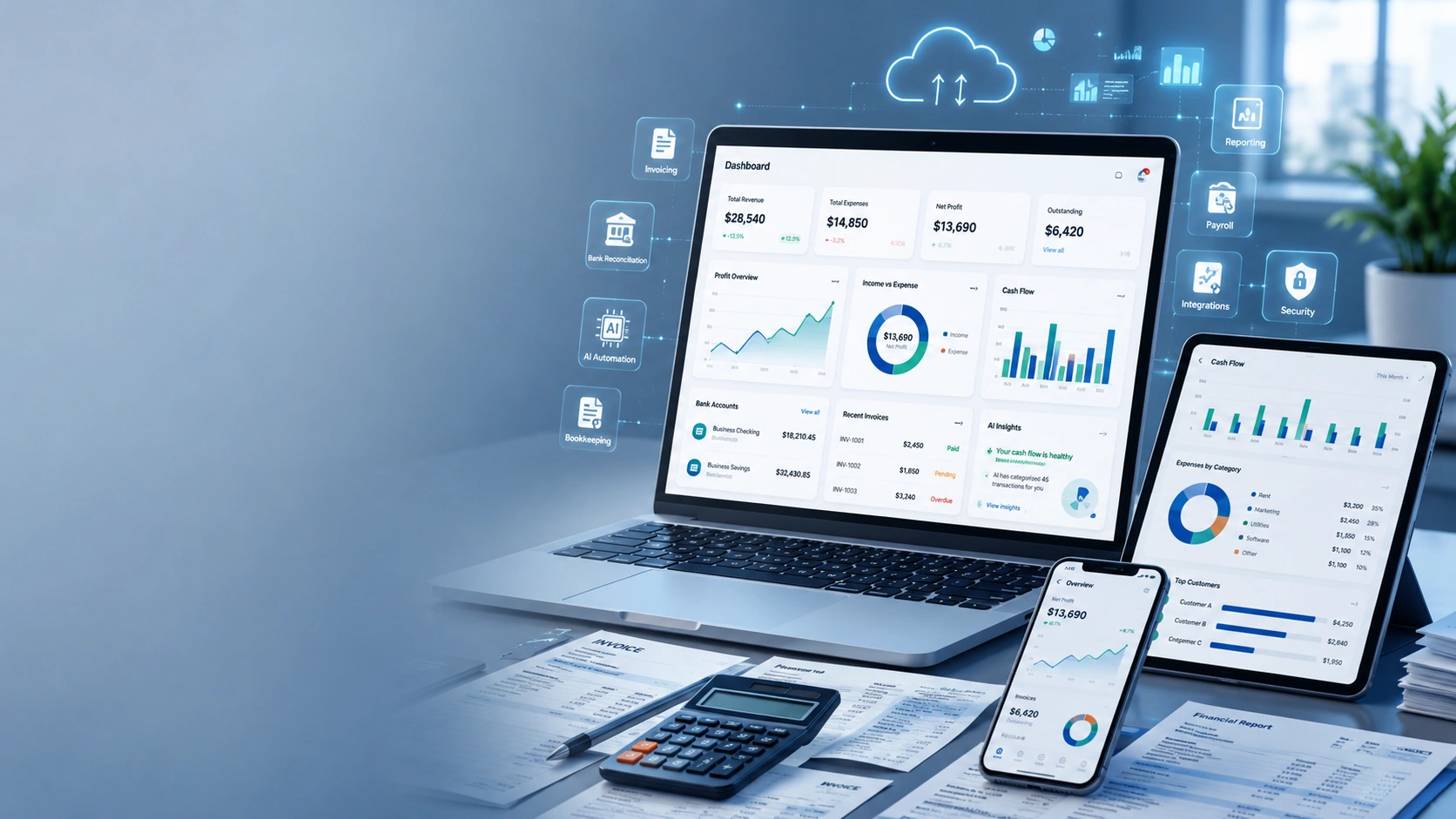
The Xero dashboard gives you a snapshot of your business.
You can instantly see:
- Cash balance
- Outstanding invoices
- Bills to pay
- Bank balances
- Recent transactions
- Profit trends
- Business performance
Everything is displayed in a clean and easy-to-read layout.
Xero AI and Automation Features
Artificial intelligence is changing accounting, and Xero continues to add smart automation tools that reduce repetitive work.
Some AI-powered capabilities include:
- Suggested transaction matching
- Smart invoice processing
- Automated bookkeeping assistance
- Intelligent financial insights
- Faster data entry
- Improved bank reconciliation
- Automated workflow recommendations
These tools help reduce human error while saving valuable time.
Xero Mobile App Review
The Xero accounting app allows you to manage your finances wherever you are.
Using the mobile app, you can:
- Create invoices
- Approve bills
- Upload receipts
- Track expenses
- View reports
- Monitor cash flow
- Contact customers
- Check business performance
For busy business owners, this flexibility is a major advantage.
Xero Integrations
One of Xero’s biggest strengths is its large app ecosystem.
Popular integrations include:
- Payment gateways
- CRM software
- Ecommerce platforms
- Inventory management tools
- Payroll systems
- Time-tracking apps
- Expense management software
- Automation platforms
These integrations allow businesses to build a connected workflow without entering the same information multiple times.
Xero Pricing in 2026
Xero offers different pricing plans to suit businesses of various sizes. Plans generally increase in features, user capacity, and automation options.
When comparing plans, consider:
- Number of invoices you send
- Number of bills you process
- Payroll needs
- Team size
- Reporting requirements
- Multi-currency support
- Advanced accounting features
For many small businesses, starting with an entry-level plan and upgrading as the business grows is a practical approach.
Is Xero Easy to Use?
Yes. Xero is widely known for its clean interface and beginner-friendly design.
New users can usually learn the basics quickly because the dashboard is well organized and common tasks are clearly labeled.
Features like automated bank feeds, invoice templates, and guided setup reduce the learning curve, making Xero suitable for business owners who have little accounting experience.
That said, advanced reporting, automation rules, and financial settings may take a little more time to master. Fortunately, once configured, these tools can save significant time every week.
Who Should Use Xero?
Xero is a strong fit for many types of businesses, including:
- Small businesses looking for cloud accounting software
- Freelancers who want simple invoicing and expense tracking
- Consultants managing multiple clients
- Ecommerce sellers needing accurate financial records
- Agencies collaborating with accountants
- Growing companies that want automation and real-time reporting
In the next part of this review, we’ll look at Xero’s pros and cons, compare it with competitors like QuickBooks, explore real user experiences, and help you decide whether Xero is the right accounting software for your business in 2026.
Xero Reviews 2026 (Final Part): FAQs, Final Verdict, and Conclusion
Frequently Asked Questions (FAQs)
Is Xero good for small businesses?
Yes. Xero is one of the best cloud accounting software solutions for small businesses. It offers invoicing, bank reconciliation, expense tracking, financial reporting, and automation in one easy-to-use platform. As your business grows, you can upgrade your plan and add more advanced features.
Is Xero worth it in 2026?
Yes. Xero continues to be a strong choice in 2026 for freelancers, startups, ecommerce businesses, and growing companies. Its cloud-based accounting tools, automation features, and wide range of integrations help save time and improve financial management.
Is Xero easy to learn?
Yes. Most beginners can learn the basics within a few days. The dashboard is clean, and everyday tasks like creating invoices, recording expenses, and reconciling bank transactions are straightforward. More advanced reporting and automation tools may take a little longer to master.
Does Xero offer a free trial?
Xero regularly offers a free trial for new users in many regions. Availability and terms may vary, so it’s a good idea to check the official Xero website for the latest offers before signing up.
How much does Xero cost?
Xero provides several pricing plans designed for different business sizes. Entry-level plans are suitable for freelancers and small businesses, while higher-tier plans include advanced reporting, multi-currency support, and additional automation features. Review the current pricing before choosing a plan that matches your business needs.
Can Xero connect to my bank?
Yes. Xero supports secure bank feeds with many financial institutions. Once connected, transactions are imported automatically, making bank reconciliation faster and reducing manual data entry.
Does Xero support payroll?
Payroll availability depends on your country. In some regions, payroll features are built into Xero, while in others you may need to connect a compatible payroll solution.
Is Xero secure?
Yes. Xero uses modern security practices such as encryption, secure cloud infrastructure, user permissions, automatic backups, and two-factor authentication to help protect your financial information.
Can freelancers use Xero?
Absolutely. Freelancers can create invoices, record expenses, monitor income, track business performance, and prepare financial records for tax purposes using Xero.
Is Xero suitable for ecommerce businesses?
Yes. Xero works well with many ecommerce platforms and payment providers through integrations. This helps automate bookkeeping, manage sales data, and improve financial reporting.
Does Xero have a mobile app?
Yes. The Xero mobile app allows users to send invoices, upload receipts, approve bills, track expenses, and view financial information while away from the office.
What are the biggest advantages of Xero?
Some of the biggest benefits include:
- Cloud-based accounting
- Automated bank reconciliation
- Professional invoicing
- Real-time financial reporting
- Strong automation features
- Large integration marketplace
- Easy collaboration with accountants
- Secure access from anywhere
Tips for Getting the Most Out of Xero
If you decide to use Xero, these best practices can help you save even more time:
- Connect your business bank accounts as soon as possible.
- Customize your invoice template with your company branding.
- Set up recurring invoices for repeat customers.
- Enable automatic payment reminders to improve cash flow.
- Review your financial reports every month.
- Use expense tracking to keep accurate records.
- Turn on two-factor authentication for added security.
- Explore the Xero App Store to connect the tools you already use.
- Work with your accountant to create a chart of accounts that fits your business.
- Keep your books updated regularly instead of waiting until tax season.
Following these simple steps can make your bookkeeping more accurate and help you get the full value from Xero.
Final Verdict
After reviewing its features, pricing, automation tools, security, reporting capabilities, and overall user experience, Xero remains one of the best cloud accounting software solutions available in 2026.
Its clean interface makes it approachable for beginners, while its advanced reporting, automation, and integrations provide the flexibility growing businesses need. Whether you are a freelancer sending a few invoices each month or a company managing multiple bank accounts and international customers, Xero offers tools that can simplify your daily accounting tasks.
Although some advanced features are available only on higher-tier plans and payroll options vary by region, these limitations are relatively minor compared with the overall value the platform delivers.
Overall Rating: 4.8/5 ⭐
Best For
- Small businesses
- Freelancers
- Consultants
- Startups
- Ecommerce stores
- Agencies
- Bookkeepers
- Accountants
- Growing businesses
Conclusion
If you want accounting software that combines simplicity, automation, and powerful financial management tools, Xero is an excellent choice in 2026.
From creating professional invoices and reconciling bank transactions to tracking expenses, generating reports, and collaborating with your accountant, Xero helps reduce manual work and gives you a clearer picture of your business finances.
For most small and medium-sized businesses, the time saved through automation alone can make the investment worthwhile. Add its secure cloud platform, extensive integrations, mobile access, and user-friendly design, and it’s easy to see why Xero continues to earn positive reviews from business owners around the world.
Before choosing any accounting software, compare the available plans, evaluate the features you need today, and consider how your business may grow in the future. If your goal is to simplify bookkeeping while gaining better financial insights, Xero deserves a place at the top of your shortlist.
Whether you’re launching a new business, replacing outdated accounting software, or upgrading your financial processes, Xero provides a reliable foundation for managing your finances with confidence in 2026.